

Let AI Make Your Meetings
Smarter and Faster
Convay's AI Features help your team work better together. Real-time help that actually saves you time.
Smart AI Tools That Work for You
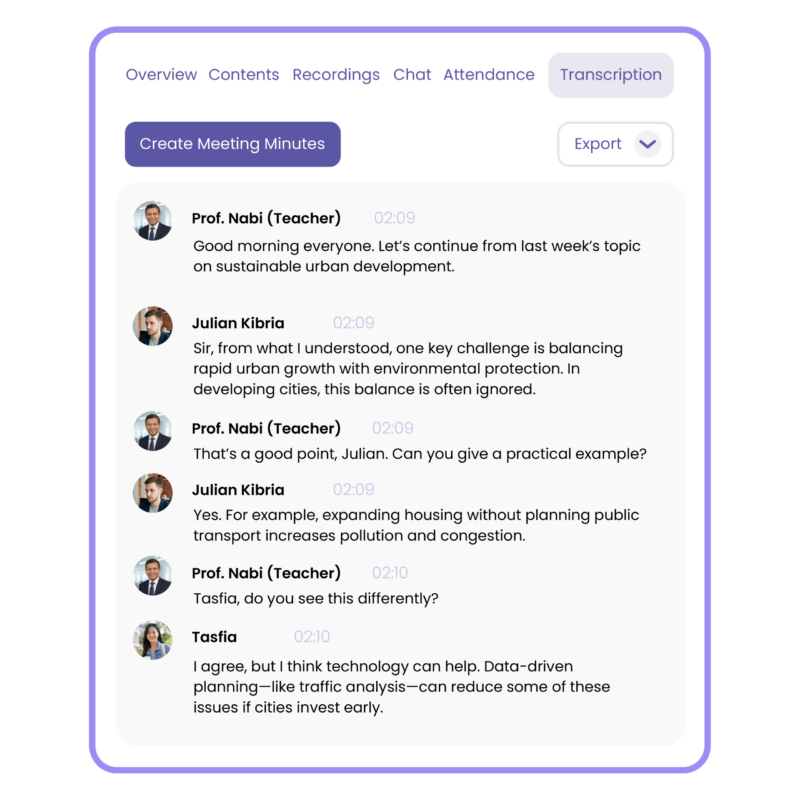
AI-Powered Transcription
Everything said in the virtual meeting is turned into accurate text automatically.
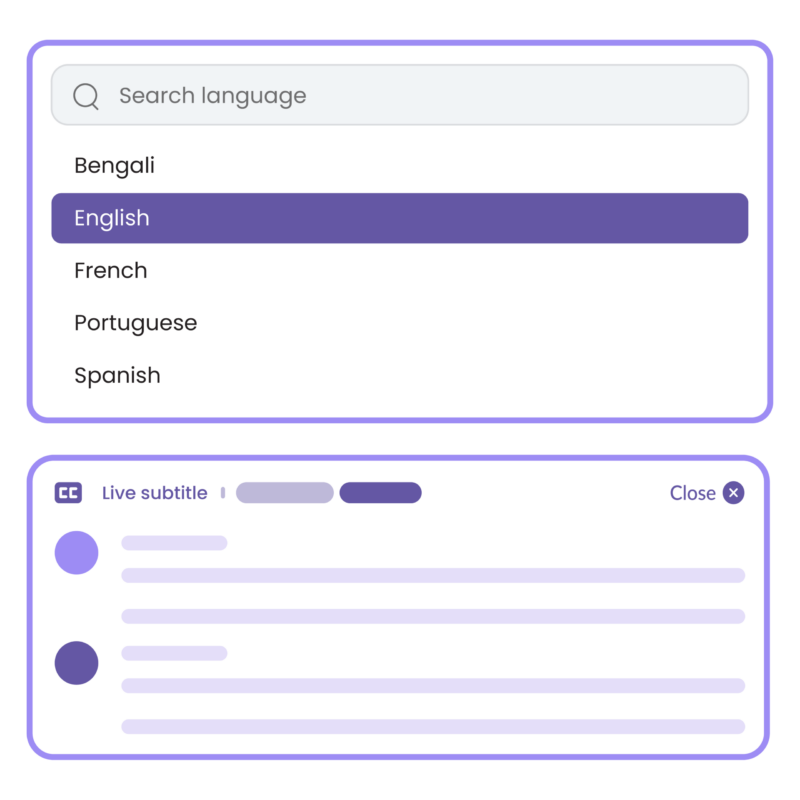
Multilingual Subtitles
See live subtitles in different languages so everyone can understand, no matter which language they speak.
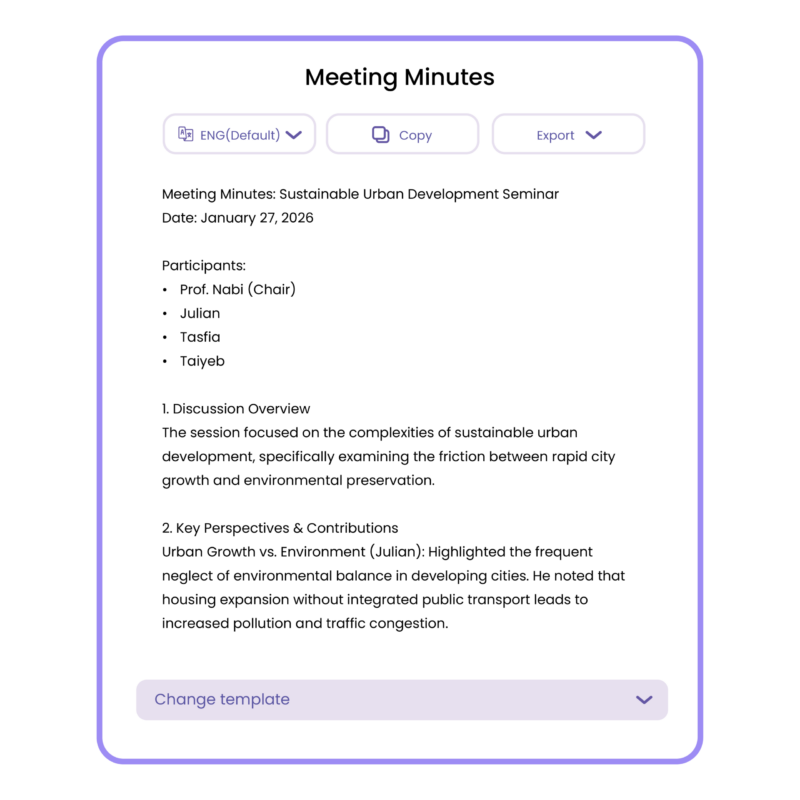
Generative Meeting Minutes
AI creates well written minutes with clear summaries ready right after the meeting ends which is sharable instantly.
Action Items Extraction
AI automatically picks out the tasks discussed who is responsible for each one and even suggests deadlines making sure nothing falls through the cracks.
AI Noise Cancellation
Background noise is removed so voices sound clear and the AI knows exactly who is speaking at any moment even in a crowded room.
In Person Meeting Automation
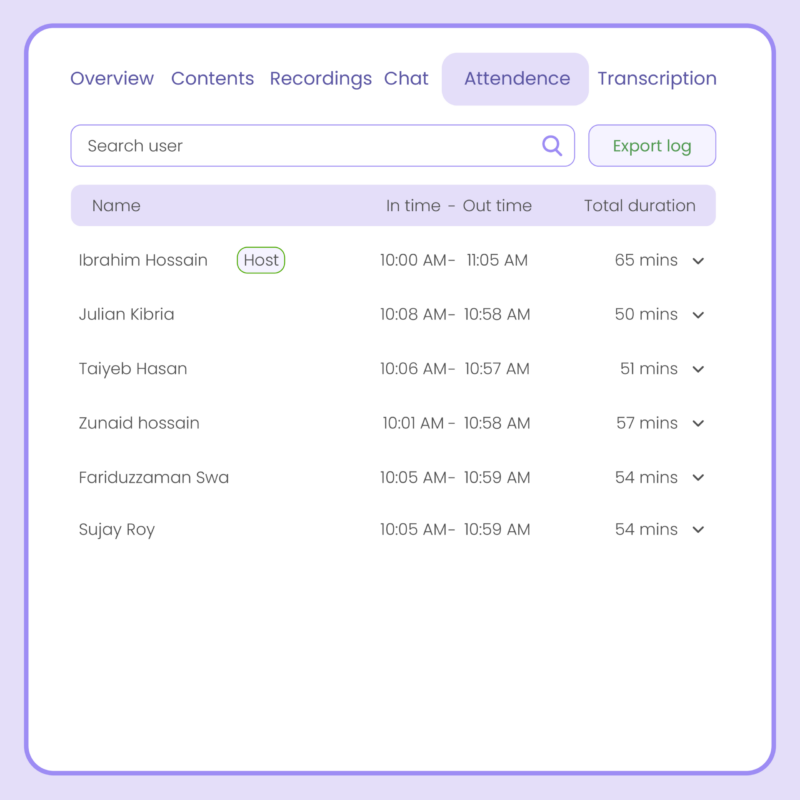
Record face-to-face meetings and let AI track attendance, identify speakers, and create perfect minutes automatically.
Let AI Makes Real Differences in Meetings

AI helping in smooth Learning
Every learner can follow along easily in online sessions as lectures and sessions are automatically transcribed and translated.

Secure Cross-Border Consultations
Handle international client talks with Convay's accurate translations, safeguarding details while facilitating smooth agreements. This builds trust by enabling precise communication in preferred languages.

Clear Communication
in Key Sessions
Follow complex discussions effortlessly, even in multi-speaker environments. Ensure accurate understanding without missing critical points.
Ideas, Tips, and
Trends
Find out what Convay is capable of with tips and tricks catered just for you.
Frequently Asked
Questions
-
How does Convay generate meeting minutes?
Convay uses AI to capture and summarize your discussions automatically. It highlights key points, tasks, and decisions eliminating the need to take notes manually.
-
Can I edit the Convay generated minutes?
Yes. You can review, edit, or add details to the AI-generated notes before sharing them with your team.
-
Does Convay Transcription support multiple languages?
Yes. Convay Transcripts can be generated in multiple languages, making it ideal for global teams and multilingual meetings.
-
Can I edit the AI-generated transcript in Convay?
Of course. You can easily review, edit, or highlight key points before sharing or saving your transcript.
-
Are Convay subtitles accurate in noisy environments?
Yes, advanced noise filtering ensures high accuracy, capturing clear text even with background sounds.
-
Does Convay translate chat messages and documents too?
Yes. Convay translates chat messages, notes, and even meeting summaries automatically, keeping everyone aligned across languages.
Smarter Meetings. Total Control.
AI-powered video conferencing with enterprise security and 100% data ownership.
full control over data, features, and scale.